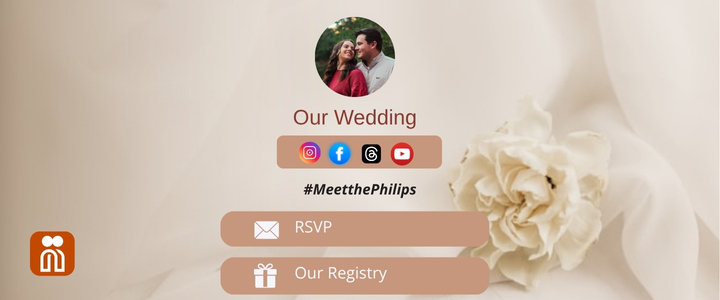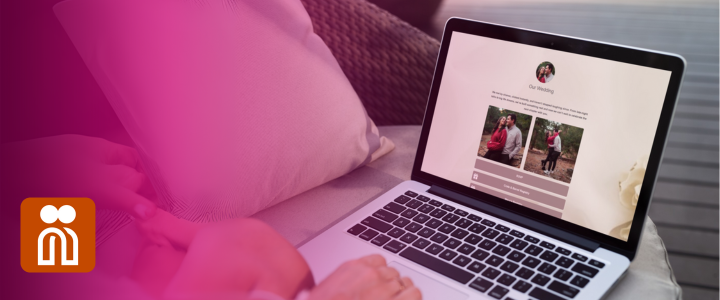

Not everyone can make it to your wedding day in person, but that doesn’t mean they have to miss the magic. With Nibbitt, you can host your wedding livestream link in one simple, shareable place.
Why Stream Your Wedding?
Maybe you’re planning a destination wedding. Maybe a few guests can’t travel. Or maybe you want to include loved ones across the world. Whatever the reason, live streaming your wedding ensures more people get to witness your vows in real time.
- Your livestream link.
- Date and time.
- Venue details.
- Registry links.
- RSVP forms.
- Dress code.
- Engagement photos and more.
How to Add Your Livestream Link to Nibbitt
1. Create Your Stream:
- YouTube Live: Great for public viewing. Guests don’t need an account.
- Facebook Live: Perfect if you have a private wedding group or event.
- Zoom: Ideal for interactive events where guests can be seen and heard.
- Twitch or Instagram Live: Fun, casual options for real-time sharing.
Set up your stream in advance and copy the link.
2. Build Your Nibbitt Page: Log in to your Nibbitt account (or create one—it’s free). Then:
- Choose a wedding-ready layout.
- Add your names, date, and a short welcome message.
- Upload your engagement photo or save-the-date graphic.
3. Embed Your Livestream Link: Use the “Link” block to add your livestream. Customize the button label, like:
- “Watch Our Wedding Live.”
- “Join the Ceremony at 3 p.m. EST.”
- “Click Here to Celebrate with Us.”
Nibbitt supports YouTube, Facebook, Zoom, and more—just paste the link and go.
4. Test and Share:
- Text it to friends and family.
- Add it to your invites or wedding website.
- Share it on social media or in your email updates.
Your guests won’t need to search or download anything, they’ll have everything in one place.
Here are a few tips to help ensure your virtual wedding experience goes smoothly:
- Start your stream 10–15 minutes early so guests can get settled.
- Add a note about time zones so no one misses the moment.
- Pin the link on social or email reminders the day before and the morning of.
- Consider adding a replay link to your Nibbitt page after the ceremony ends.
Planning a virtual-friendly wedding? Let Nibbitt make it simple. Create your wedding page today and stream your celebration with ease. Get started at Nibbitt.co